
Your Attention Matters.
Try Tenny for freeiOS early access · Free to try
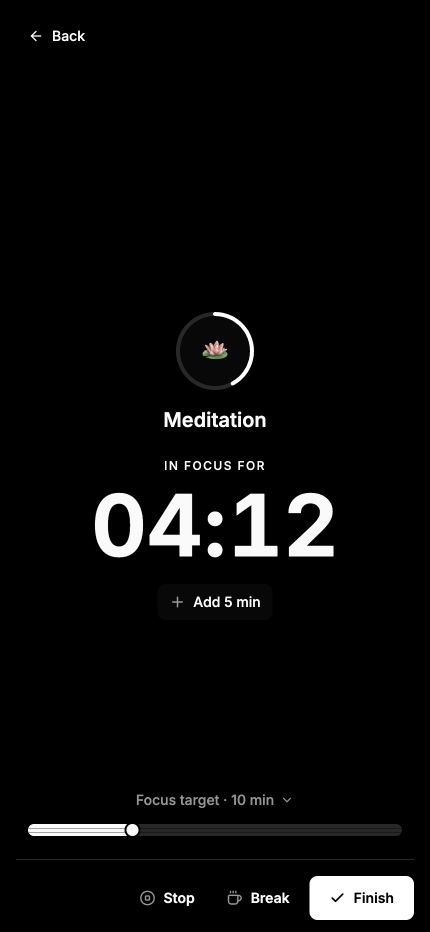
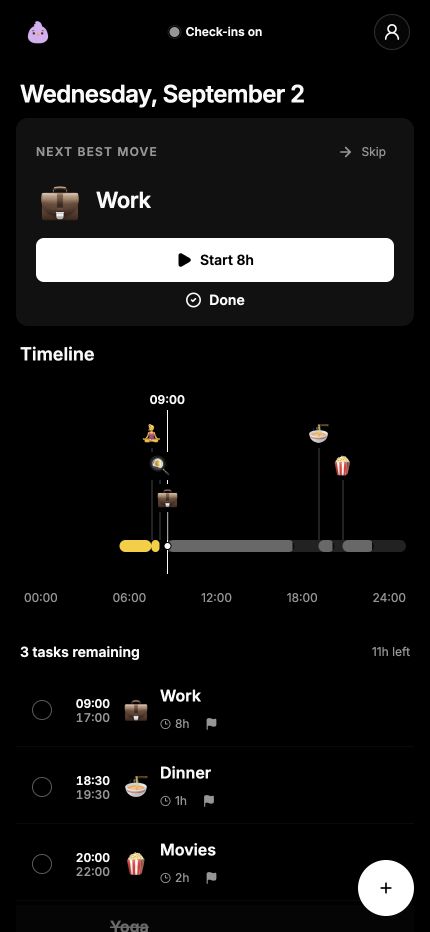
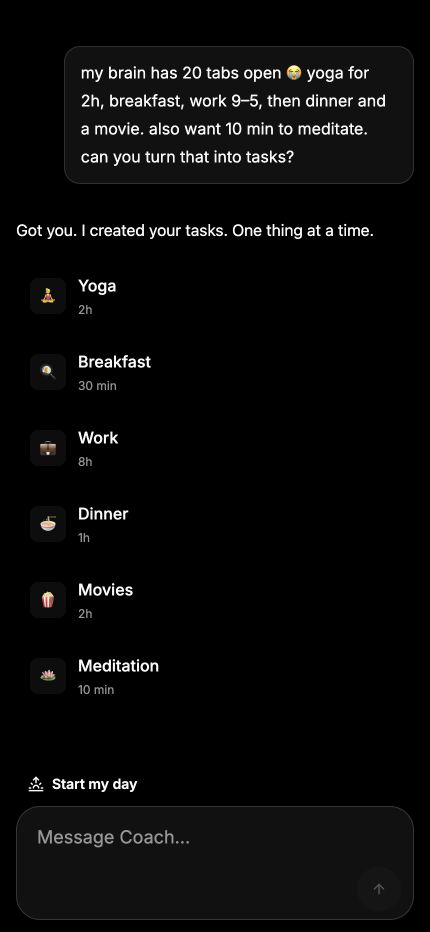
Create tasks, change your plan, and start focus through the chat. Tell Tenny’s AI coach what you need; it takes action.
A visible timer, optional chimes, and your session on your iPhone Lock Screen.
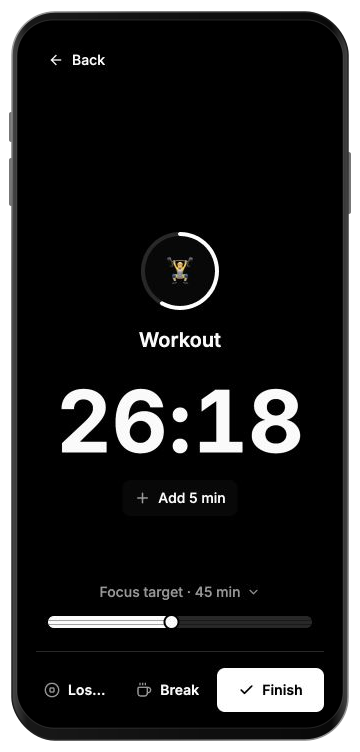
Later, out for a walk.

Your session stays on your iPhone Lock Screen.
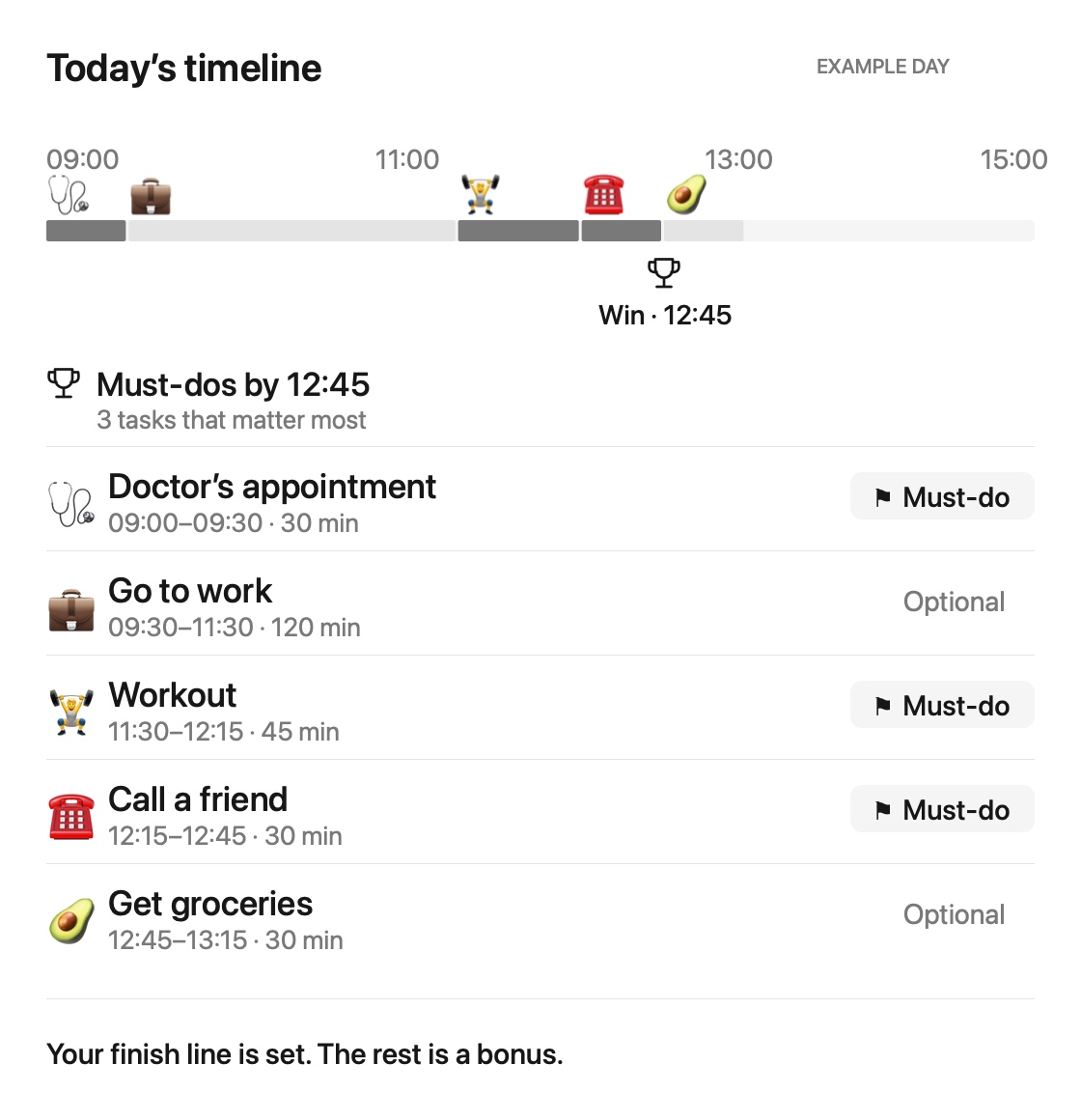
Add tasks to your timeline and flag your must-dos. The trophy shows your finish line. Everything after it is a bonus.
Look back on recorded focus time and the must-dos you finished.
Recorded focus time

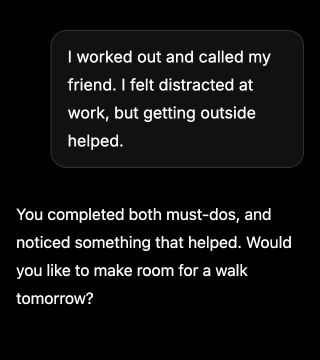
Reflect with Coach. Take something useful into tomorrow.
An attention coach for the days your brain has other plans. See what fits, keep a session in view, and talk things through with Coach.
Add your tasks and roughly how long they’ll take. Tenny shows what fits into your day. Plans change; you can change this one too.
A visible timer, optional chimes, and iPhone Live Activities help you notice time passing. Less having to remember to check the clock.
Yes. Coach uses your plans, recorded sessions, and what you tell it. Talk through a stuck moment or a change of plan. It doesn’t watch what you do in other apps.
Yes. Tenny is built for the web, iPhone, and Android, so you can plan at your desk and keep your day close on your phone. Live Activities are available on iPhone. Other features vary by platform.
Planning, sessions, and a limited Coach allowance. No card needed to start. You’ll see the price before choosing anything paid.
Nope. Start with one thing. Sessions are optional, and tasks can be completed without logging time. You don’t owe the app a minute-by-minute account of your life.

Choose what matters to you. Start there.